

Some AI actions need a person's sign-off. The hard part is the next two decisions: which actions, exactly — and how the rule survives the Friday afternoon when the deadline is louder than the policy.
The real question
Most human-in-the-loop rules live in a policy document nobody opens at five to deadline. The policy says review before sending; the deadline says send. A checkpoint that depends on someone remembering a paragraph loses — and you can't prove it held even when it did. The pressure is external too: boards want per-use-case answers on human oversight, and the EU AI Act ties high-risk AI use to demonstrable oversight arrangements. And people don't want AI that silently takes action on their behalf — they want help preparing work they still control.

How to do it
Draw the line by consequence, not by task. Work that stays internal — drafts, summaries, analysis — AI can run freely. Anything that leaves the organisation or commits it — an email, a submission — gets prepared by AI and signed off by a person. The test anyone can apply: who is affected if this is wrong?
Then make the sign-off structural, not procedural. The drafted action lands in an editable review panel — recipients, subject, body — where the person can change anything before deciding. Nothing sends until they explicitly approve, and the recipient sees a disclosure that AI helped prepare the message. No silent sends, ever.
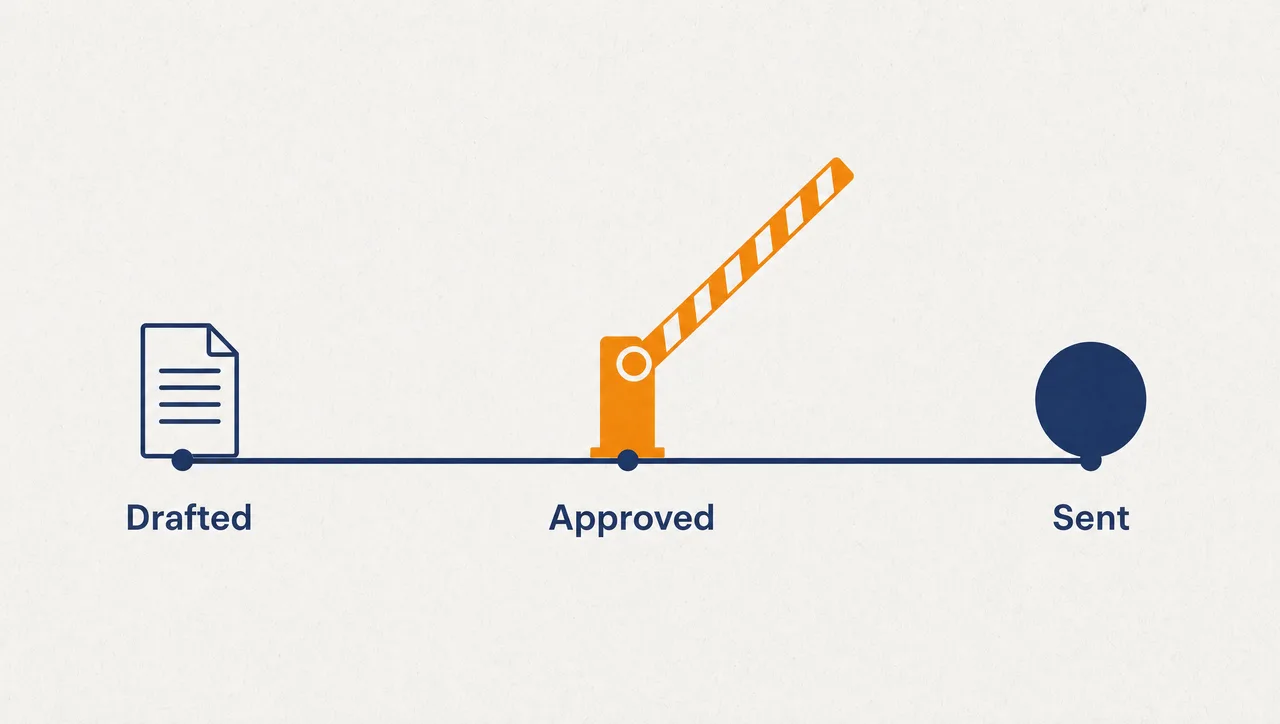
Finally, put the checkpoint in the surface where the action happens. When the response hands you the next step — approve, reject, request an update — the oversight step is the workflow itself. A rule enforced by the interface can't be skipped under deadline pressure.
What this looks like
In Pebble, this looks like: someone asks for a follow-up email to a supplier about a slipped delivery date. The answer comes back not as a block of text but as an email review panel inside the chat — recipients, subject, editable body. They tighten one paragraph, fix a date, then choose: discard, save as a draft, or send. Nothing goes out until they approve, and the message sends through their own connected Microsoft 365 mailbox with an AI-disclosure footer the recipient can see. The same pattern hands other decisions back to a person as buttons, forms, and evidence tables. The rule isn't something anyone remembers to follow — it's how the product behaves.
Why this holds up in a regulated business
- AI drafts the email; the user reviews and edits it in chat; nothing sends until they approve the action.
- Approved email goes out through the user's own Microsoft 365 mailbox, with the AI-disclosure footer preserved.
- Responses can hand the next action to a person as buttons, forms, email review panels, and evidence tables.
- Interactive components use declarative payloads only — no model-generated JavaScript executes in the UI.
- Deployed across US, Europe and Australia.
One honest limit: nothing here classifies every action's risk for you — you draw the consequence line; the product enforces it at the point of action.
Where to start
Pick one action that leaves the organisation — outbound email is the obvious first — and move it behind review-and-approve this week. When the board or a regulator asks how human oversight works, demonstrate it live instead of pointing at a PDF. Put the human in the interface, not just the policy.
Pebble Powered AI.