

Every team in your business wants AI — but each one wants something different. Legal needs a careful research assistant. Engineering wants code tools. Marketing wants images and copy. Giving them all the same thing is the fastest way to disappoint everyone.
The real question
A one-size-fits-all AI rollout fails in both directions at once. Your engineers find it locked down and drift back to their own tools. Your risk team finds it too open and starts drafting restrictions. Different teams have different data, different risk profiles, and different jobs to do — one setting for everyone serves no one. And when someone senior finally asks "who exactly can do what with AI here?", "everyone has the same login" is not an answer that survives the meeting.

How to do it
Create a workspace for each department or team, then assign what each one gets: which models they can use, which capabilities are switched on, which skills are deployed to them. Delivering AI stops being a single big decision and becomes a set of small, deliberate ones — made team by team, changed team by team.
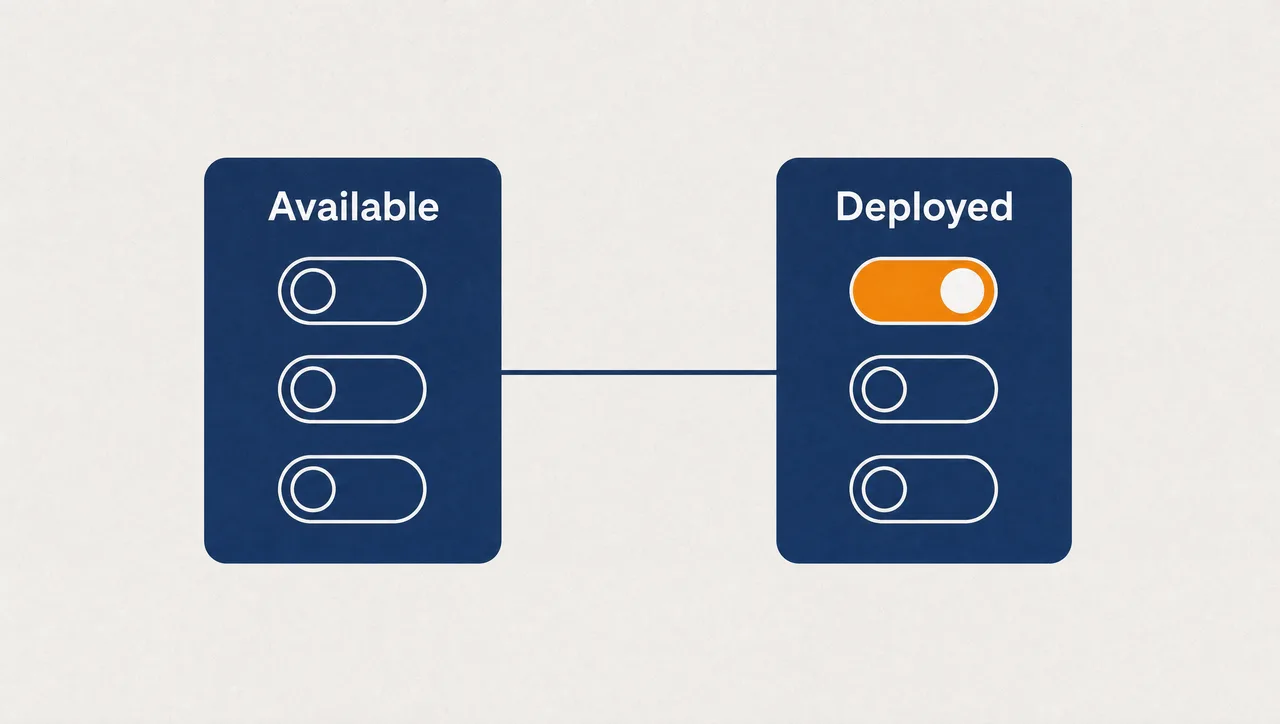
Then separate what's available from what's deployed. Availability lets a curious team opt in without you forcing anything on anyone. Deployment switches a capability on for one team, right now, without advertising it to the rest of the business. A pilot stops being a spreadsheet of exceptions; it's just a deployment scope.
Control runs down to role level. Give one role document drafting, give another code tools, keep a third to chat only — and let each team grow into more as trust builds.
What this looks like
In Pebble, this looks like: an administrator deploys a contract-review skill to the Legal workspace in a click. Legal roles get the Word canvas for drafting but not the Code surface; Engineering gets Code with sandboxed execution. A new research capability is listed as available across the organisation but deployed only to the strategy team. Marketing has image generation switched on; Legal doesn't. When the risk committee asks who can do what, the answer is a settings page, not an investigation.
Why this holds up in a regulated business
- Availability and deployment are separate, independent decisions — deployment targets the whole organisation, selected workspaces, or selected users.
- Canvas surfaces (Word, Markdown, Code, Apps) switch on or off per organisation and per role.
- Admins deploy catalog skills organisation-wide in one action, and can block personal skill authoring entirely.
- Individual tools can be switched off per integration, and organisation-level locks override personal defaults.
- Deployed across US, Europe and Australia.
One honest limit: surface controls work at organisation and role level, not per individual — if you need a person-by-person matrix, structure it through roles.
Where to start
Pick two teams with obviously different needs and set up their workspaces first. The contrast is the proof: same platform, two different AI toolsets, each defensible on its own terms. Deliver AI selectively across your business.
Pebble Powered AI.