

Your people are already using AI. The real question is whether your data is going somewhere you chose — or somewhere they did.
The real question
When every team picks its own AI tool, your data follows their choices: personal accounts, unknown retention, consumer terms nobody read. A blanket ban doesn't fix it — around 18% of employees paste work content into generative AI tools, most of it through personal accounts that corporate controls never see. Prohibition just moves the exposure out of sight. What you actually need is a way to say yes that keeps data where you decided it can go.

How to do it
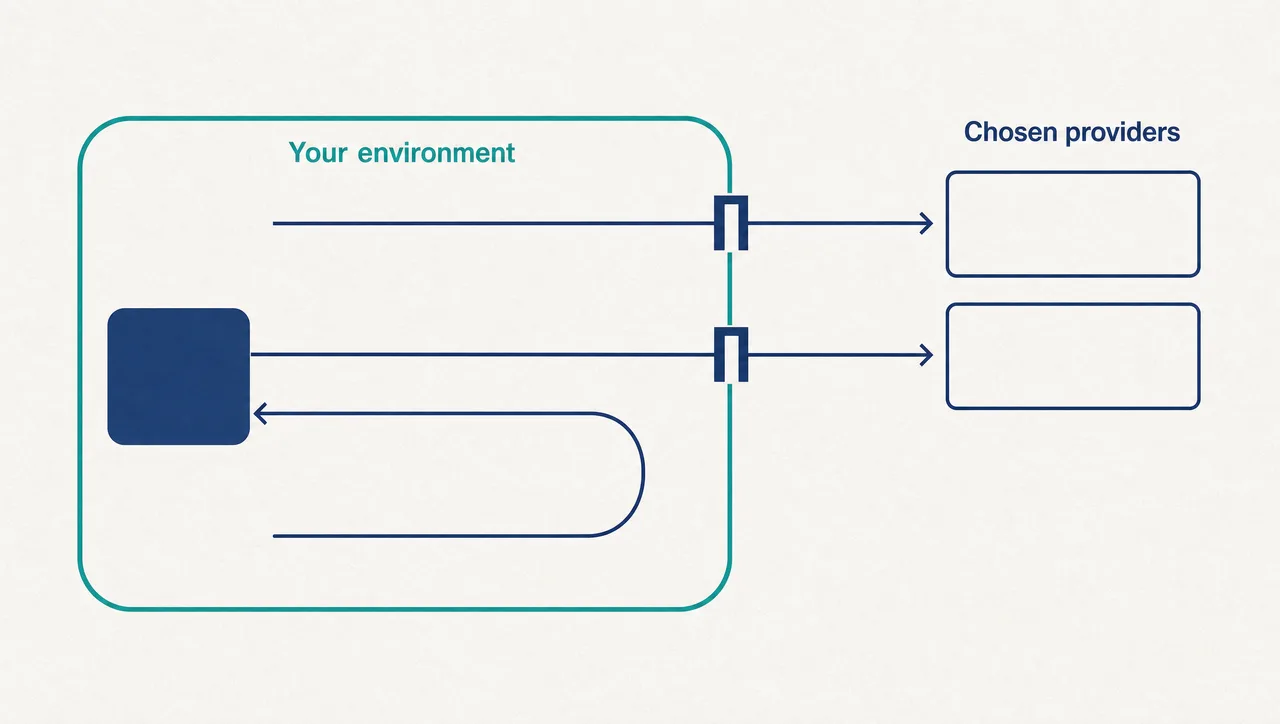
Start by making model access an organisational decision instead of a personal one. Consolidate AI into one governed workspace and choose the providers yourself — agreements your organisation signed, models your team vetted, terms your lawyers read. When someone asks where company data can flow, the answer is a list you wrote, not a guess.
For the most sensitive work, run models on infrastructure you control. Point the workspace at a model endpoint inside your own network, and those prompts and documents never leave your environment at all. Privacy stops being a promise from someone else and becomes a property of your architecture.
Then put your existing corporate identity in front of all of it. Staff sign in with the company account; joiners get access automatically; leavers lose it the day they leave. AI access follows employment, not habit.
What this looks like
In Pebble, this looks like: an administrator connects only the providers the organisation has agreements with, and enables only the vetted models from each. The security team adds one more — an OpenAI-compatible endpoint running Ollama inside their own network, reserved for sensitive analysis. Sign-in runs through Microsoft Entra, with SCIM provisioning handling joiners and leavers. When an analyst opens a conversation about a confidential matter, they pick the internal model from the same picker as everything else. Same workspace, same experience — but that conversation never leaves the building.
Why this holds up in a regulated business
- Administrators control which providers and models are enabled, per organisation and per workspace.
- OpenAI-compatible local model endpoints such as Ollama are supported — the sensitive lane is yours to run.
- Entra SSO and SCIM provisioning are supported, so access is tied to your identity system of record.
- Deployed across US, Europe and Australia, with customers in government and financial services.
Two honest limits: Pebble connects to local model endpoints — you run them, which is exactly the point. And retention on commercial models depends on the provider agreement your organisation signs, so negotiate the terms you need.
Where to start
List the AI tools actually in use across your business this month. Then replace the riskiest path — personal accounts on public tools — with a governed workspace where the providers are yours, the sensitive lane stays in-house, and access follows employment. Use AI on your terms.
Pebble Powered AI.