

Every AI assistant is, at heart, an exceptionally good search engine. Point one at your documents and it will find the files nobody was ever meant to find. The question that decides your rollout isn't what AI can write. It's what AI can see.
The real question
File permissions were never built for a world where every document is one question away — Concentric counts 802,000 at-risk files in the average organisation. Until now, obscurity did the work: nobody found the salary spreadsheet because nobody knew where to look. AI ends that. Gartner found oversharing concerns pushed 40% of IT leaders to delay AI assistant rollouts by three months or more. The fear isn't a leak — it's AI surfacing what your permissions already allow, to exactly the wrong person.

How to do it
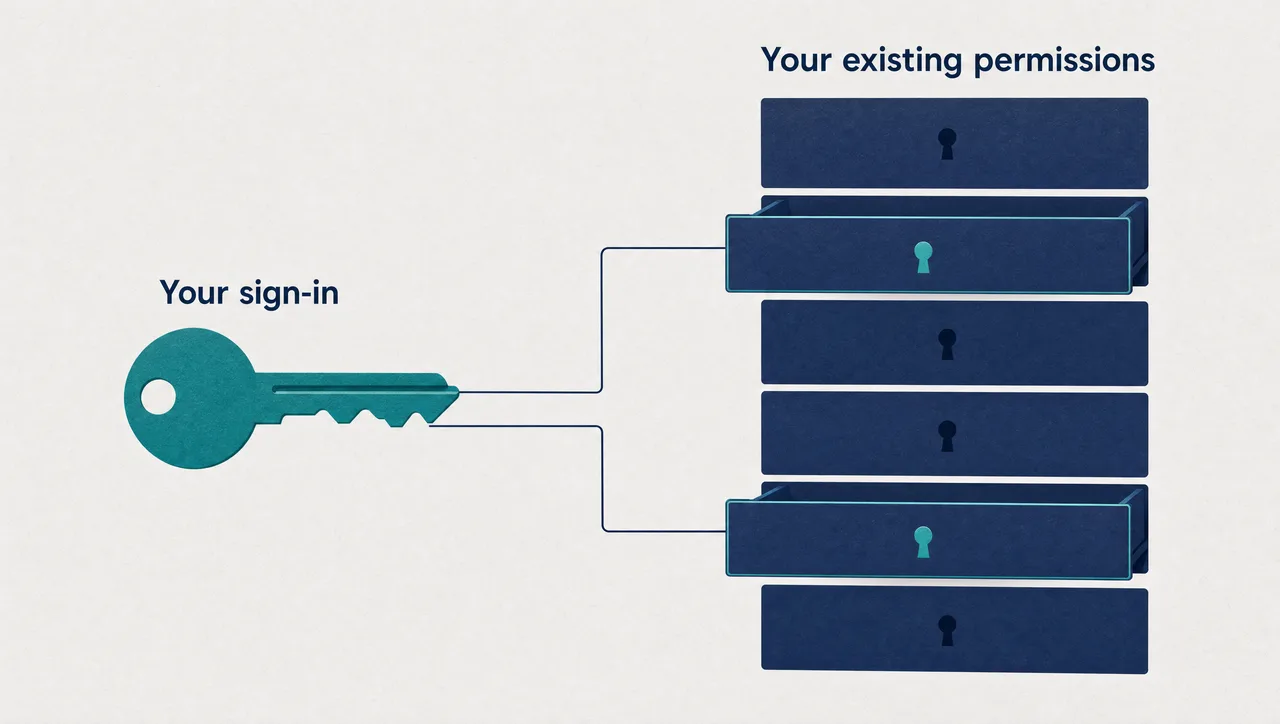
Make the assistant act as the signed-in user — never as a super-user with a master key. Resist the shortcut of a service account that reads everything, with the AI judging what to show. Each person connects under their own sign-in, and every document the AI reads is fetched with that person's identity — it cannot see more than the person asking.
Extend the same rule to the servers that never touch the cloud. On-premises SharePoint farms sit outside cloud identity APIs — exactly where the super-user shortcut sneaks back in. Kerberos delegation closes the gap: the assistant reads the farm as each user, and the farm's existing permissions decide what comes back.
Anchor identity in your corporate directory. Single sign-on means "who is asking" is your identity provider's answer; provisioning through group membership ends access the day employment does. Fix a wrongly shared file once, at the source, and every AI answer tightens with it.
What this looks like
In Pebble, this looks like: sign-in comes through Microsoft Entra; SCIM provisioning and group assignment decide who gets Pebble. Microsoft 365 questions — Outlook, OneDrive, Teams, SharePoint — run through each person's own per-user session. The contracts library on an on-prem SharePoint Server farm, out of Microsoft Graph's reach, is read as the signed-in user through Kerberos delegation — the farm's permissions decide what each answer draws on. The HR lead asks for the salary review pack and gets it. An analyst asking the same gets nothing — no retrieval at all — because Pebble fetched with his credentials, and they were never on that list.
Why this holds up in a regulated business
- Pebble reads on-prem SharePoint Server farms — sites Microsoft Graph can't reach — as the signed-in user via Kerberos delegation; existing SharePoint permissions decide what it sees.
- Microsoft 365 access — Outlook, OneDrive, Teams, SharePoint — runs on per-user OAuth sessions; each person acts under their own sign-in.
- Admins can switch individual Microsoft 365 tools off and lock destructive actions organisation-wide.
- Microsoft Entra SSO and SCIM provisioning are supported; group assignment drives who gets Pebble.
- Deployed across US, Europe and Australia.
One honest limit: Pebble doesn't find or repair existing oversharing — it inherits your permissions faithfully; over-shared files are still yours to fix, once, at the source.
Where to start
Connect the store you're most nervous about, then test it yourself: sign in as a low-privilege user and hunt for the salary file. Empty-handed is the result you're paying for. Give every employee AI that sees exactly what they can see — and nothing more.
Pebble Powered AI.