
Your teams don't work in one place. They work at desks, on trains, on site — and the AI you rolled out works in exactly one of those. If the assistant lives on a desktop, it's absent for half the working day. The fix is putting the workspace somewhere every device can reach.
The real question
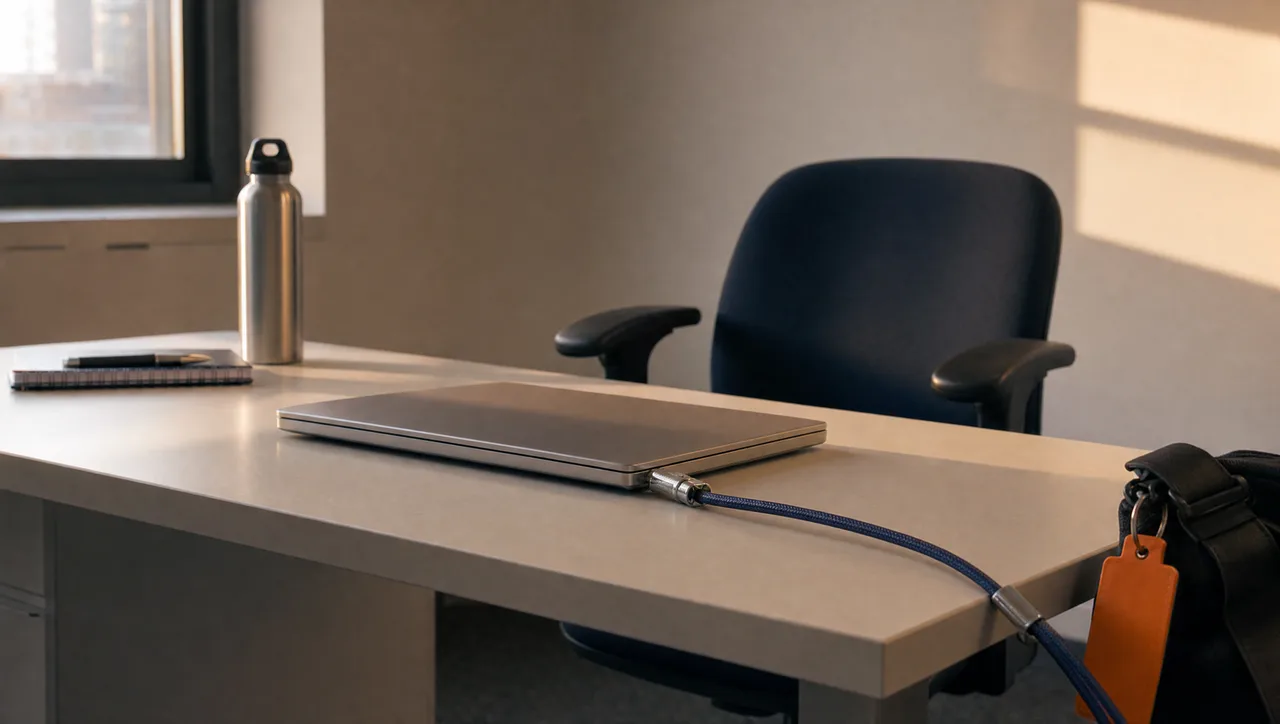
Most AI rollouts quietly assume everyone works at a desk. They don't. The moment someone steps away, the sanctioned tool disappears — and the personal apps on their phone take over. That's the quiet failure mode: not rejection, just leakage. Work gets trapped on one machine, and a long-running job dies when the laptop lid closes. And phones are the devices most likely to be lost — and the least likely to be accounted for. Your adoption graph becomes a map of who sits still.
How to do it
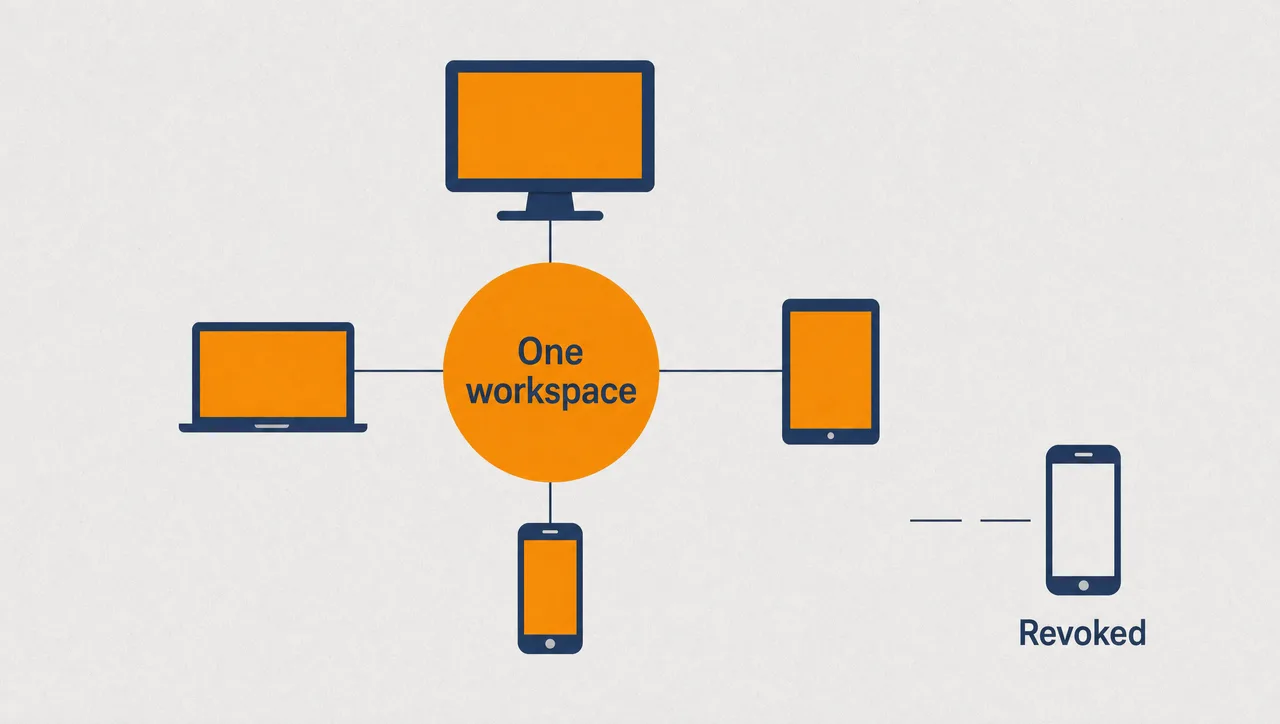
Put the workspace in the cloud and make every device a window onto it. Chats, projects, automations and running jobs live server-side; a phone or a laptop is just a way of looking in. Start a task at the desk, check progress from the phone, pick up exactly where you left off. Long-running work keeps going while the phone sits in a pocket.
Then make devices first-class citizens of your security model. Sign-in runs through the system browser, tokens are bound to the device that earned them, and every device is visible and individually revocable. Lose a phone, revoke it from the web, keep working.
Finally, let memory travel with the workspace, not the device. Preferences, context, and facts should follow people wherever they sign in — and stay visible, searchable, and deletable, so convenience never turns into a black box.
What this looks like
In Pebble, this looks like: a team lead sets an automation running from her desk, then leaves for a site visit. On the train she opens the mobile app — the same cloud workspace, now in customers' hands and rolling out — and checks the run history on the automation she started. A follow-up question streams its answer live to her phone, model picker one tap away. Workspace search takes her from operations to the board pack in two taps. Her phone was approved from her signed-in web session, and its tokens are bound to that handset alone. When a colleague loses his phone, nobody resets his account — he opens the web Devices page and revokes one device.
Why this holds up in a regulated business
- The mobile app runs against the same cloud workspace as the web: live-streaming chat with a model picker, an Activity feed, and automations with run history and editing.
- Sign-in runs through the system browser (PKCE); tokens are device-bound and stored only in the device's secure store.
- Every device appears on the web Devices page and is individually revocable; new devices need approval from a signed-in web session.
- Memory is visible, searchable, and deletable — and configurable per organisation.
Two honest limits: distribution today is a managed rollout to customers, not a public app-store download; and there's no voice or push notifications yet — activity lives in the in-app feed.
Where to start
Pick one mobile-heavy team — field operations, or executives who live between meetings — and give their phones the workspace they already have at their desks. Watch what happens to the tasks they used to park until they got back. Adoption stops depending on who sits still. Give your teams AI wherever they work.
Pebble Powered AI.