

A generic assistant helps your cyber team with email. It doesn't help them triage phishing reports or pick apart gateway logs. Specialist teams need specialist toolkits — not a bigger licence for the same chatbot everyone else gets.
The real question
Security work is where a general-purpose AI rollout falls short. The data is too sensitive to paste into a chatbot. The analysis is too technical for canned answers. And every service the team relies on — threat intelligence, ticketing — needs API credentials that should never sit in a script. So analysts do what capable people do: build their own side tooling. The team that polices shadow AI ends up quietly running its own — keys pasted into scripts nobody reviews.

How to do it
Start with the team's skills: author them in-house, or import the ones the team already trusts, into a catalog the organisation governs, with a safety scan on every import. Deploy that set to the security team's workspace only — the rest of the business never sees it, and the security team never has to make do with less.
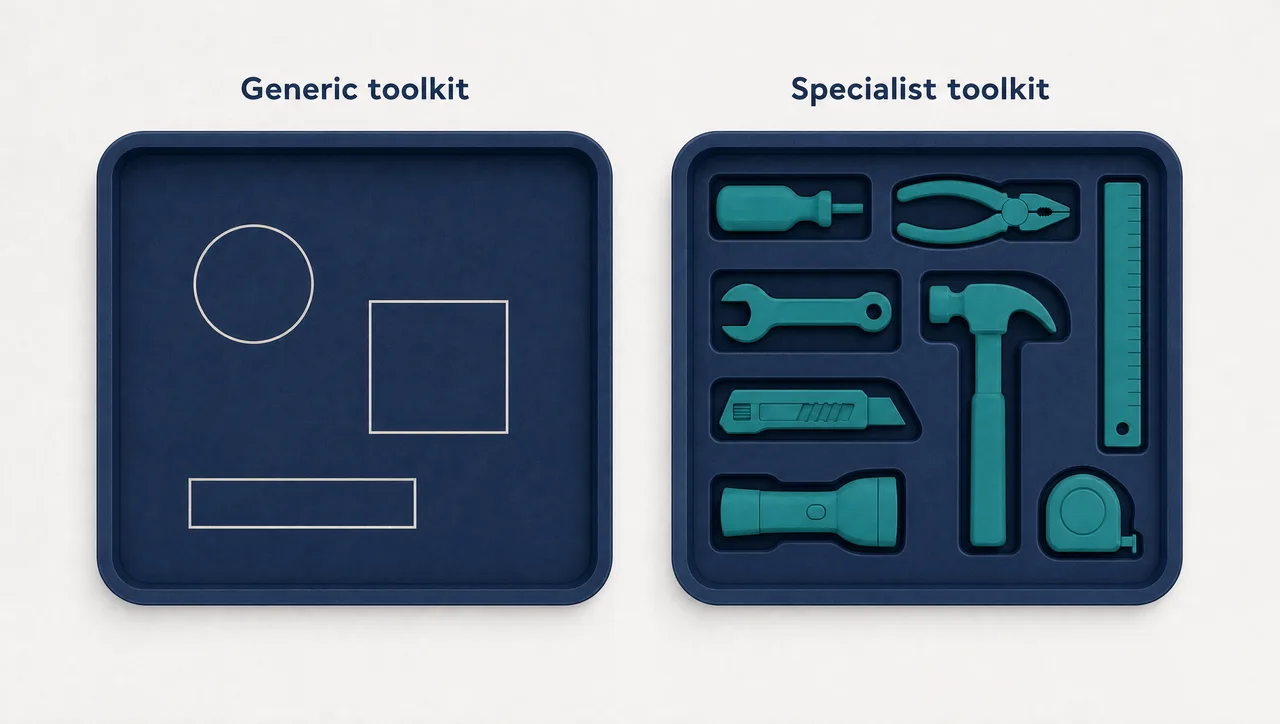
Next, the working environment. Analysis belongs in sandboxes stocked for the job — an analytical SQL engine for log queries, geospatial Python, a full browser stack — so an investigation starts in seconds, not with an install. And hold the team's service credentials centrally: provisioned once, injected into the running script at runtime, never passing through the model.
Finally, let the team build the small internal tools its workflow needs — a triage board, an indicator-lookup form — as governed mini-apps that only call actions they were explicitly allowed, checked against each user's permissions.
What this looks like
In Pebble, this looks like: a security operations team triaging phishing reports. The team lead imports the team's phishing-analysis skill from an internal repo — the Skill Import page safety-scans it before anything is saved — and an administrator deploys it to the security workspace only. An analyst opens a sandbox and queries weeks of gateway logs with DuckDB — pre-installed, no setup. When the skill enriches a suspect domain through the team's threat-intelligence service, it uses a Pebble-managed credential: provisioned once, injected at runtime, never visible to the model. The team's LiveApp — a triage board with verdict buttons wired to those skills — opens beside the conversation, sandboxed, restricted to its allow-list and each analyst's permissions.
Why this holds up in a regulated business
- Skill imports are safety-scanned — a GitHub folder or SKILL.md URL — before anything is saved; admins can block personal skill authoring.
- Availability and deployment are separate decisions: deploy a skill to one team's workspace without advertising it to the whole organisation.
- Managed credentials are provisioned once and injected at runtime — secrets never reach the model — with sharing scoped to user, workspace, or organisation.
- Sandboxes ship with pre-installed library sets: DuckDB, geospatial Python, and a browser stack.
- LiveApps run sandboxed with no direct network access; every call is checked against the app's allow-list plus the user's permissions; credentials never enter the app.
Two honest limits: this is a governed AI workspace for defensive security operations — triage, log analysis, investigation support — not a SIEM or detection engine; and the sandbox executes scripts and skills, not long-running services.
Where to start
Pick one workflow the team runs daily — phishing triage is the usual candidate — and build its toolkit: one imported skill, one managed credential, one small app. Once it holds, repeat for the next workflow. Give your specialists their own toolkit.
Pebble Powered AI.