

An AI that can't reach your calendar, your files, or your business systems is a second brain with no hands. It can tell you how to handle the customer — it just can't see the thread, the record, or the meeting.
The real question
When AI lives in a separate window, your people become the integration. They copy the record into the chat, paste the draft back into the ticket, retype the summary. Every trip between windows burns minutes — and moves company data into tools nobody governs. In one survey, 98% of CISOs said third-party AI access to company data concerned them; ungoverned copy-paste is exactly how that access happens. A platform that doesn't meet your tools where they are doesn't remove work — it adds a window.

How to do it
Start where the work already lives. Connect AI to your email, calendar, files, spreadsheets, notes and team chat — with each person acting under their own sign-in, not a shared service account. That one decision does most of the security work: the AI sees exactly what each person can see, and nothing more — your existing permissions keep doing their job.
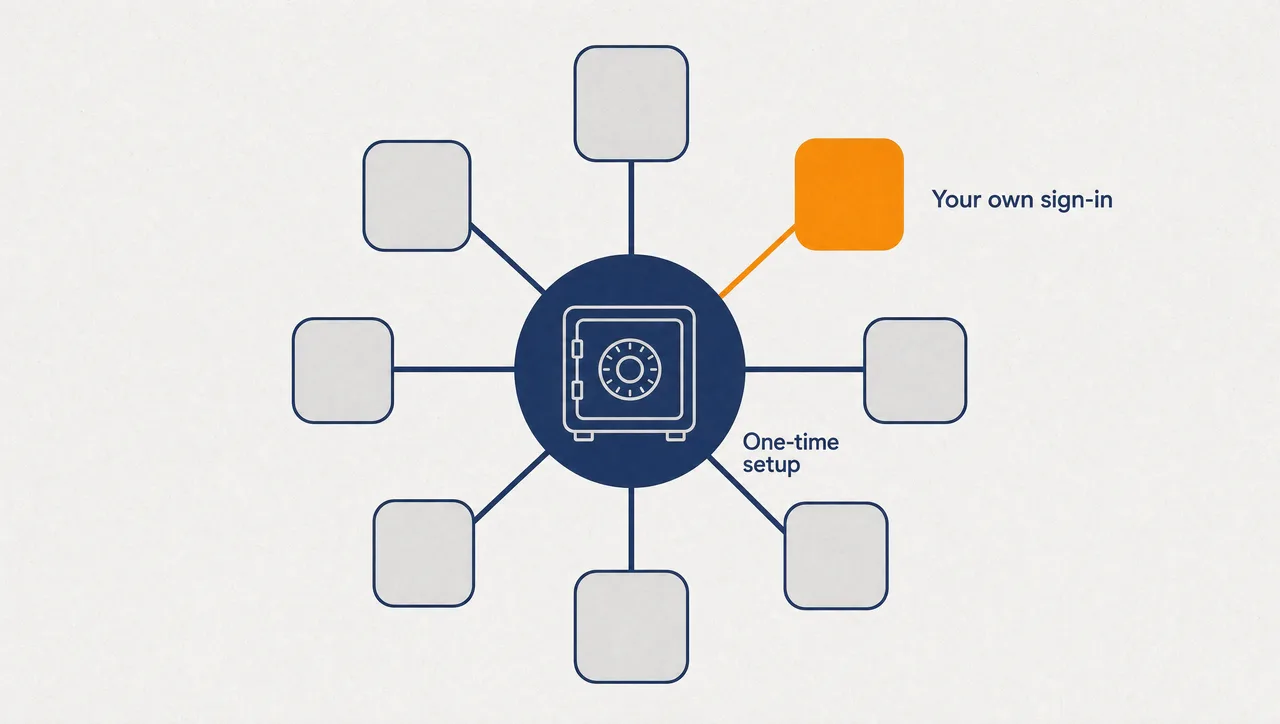
Then connect the business systems your teams run on — project boards, CRM records, service desks, issue trackers. An administrator sets each application up once; each person then signs in with their own account. Nobody gains reach through the AI they didn't already have in the system itself.
And hold the credentials for those connections centrally. Provision a connection once, share it deliberately — one person, one workspace, or the whole organisation — and inject the secret at runtime, into the running task and nowhere else. It never passes through the model, and nobody keeps an API key in a notes file to make their own automation work.
What this looks like
In Pebble, this looks like: people work their Outlook mail and calendar, OneDrive, Excel, OneNote, Teams and SharePoint from chat, each under their own Microsoft 365 sign-in. An administrator completes one-time setup for Monday.com, HubSpot, Freshservice and Jira; each user then connects their own account and sees only what those systems already allow. When a reporting skill needs a credential, an admin provisions it once and shares it with a single workspace — the skill picks it up at runtime, and the secret never touches the model. When someone asks what the AI can reach, the answer is a settings page: tools switch off per integration, destructive actions lock organisation-wide.
Why this holds up in a regulated business
- Microsoft 365 access — mail, calendar, OneDrive, Excel, OneNote, To Do, Planner, Teams, SharePoint — runs on per-user OAuth sessions.
- Business app setup (Monday.com, HubSpot, Freshservice, Jira) is completed once by an organisation admin; users then sign in individually.
- Managed credentials inject at runtime — from the vault to the running script, never through the model — with user, workspace or organisation sharing scope.
- Admins can switch individual tools off per integration and lock destructive actions organisation-wide.
- Deployed across US, Europe and Australia.
One honest limit: the list above is the evidenced set, not a thousand-connector logo wall — new applications arrive deliberately.
Where to start
Pick the two connections that kill the most copy-paste — usually email and calendar, plus the system that holds your customer records. Your teams stop being the integration; the AI reads the calendar, drafts in the file, updates the record, inside permissions each person already has. Bring AI to where the work already lives.
Pebble Powered AI.